Remote work in Hawaii is a great idea roughly half the time. The half that works is astonishing: you finish your day in the early afternoon and walk one block to the Pacific. The half that does not work usually comes down to two things nobody checks before booking, which are the time zone and whether there is actually anywhere to put a laptop. Waikiki Beachside Hostel at 2556 Lemon Road has co-working space, free Wi-Fi, and rooms that range from great to useless for working. Here is the honest breakdown so you book the right one.
Can You Work Remotely From a Waikiki Hostel?
Yes. Waikiki Beachside Hostel has co-working space with fast Wi-Fi and comfortable seating, free Wi-Fi in every room, and private rooms that include a workspace. The real constraints are the time zone, since Hawaii is hours behind the mainland, and a 28 day maximum stay.
That is the short version. The details below are what decide whether it works for your particular job.
The Wi-Fi, Explained Properly
There are two different things here and people mix them up, so it is worth being clear.
The first is the Wi-Fi at the hostel itself, which is free and included with every room type. There is no Wi-Fi fee, no daily charge, and no upsell at check-in. That covers you in your room, in the lounges, and in the co-working area.
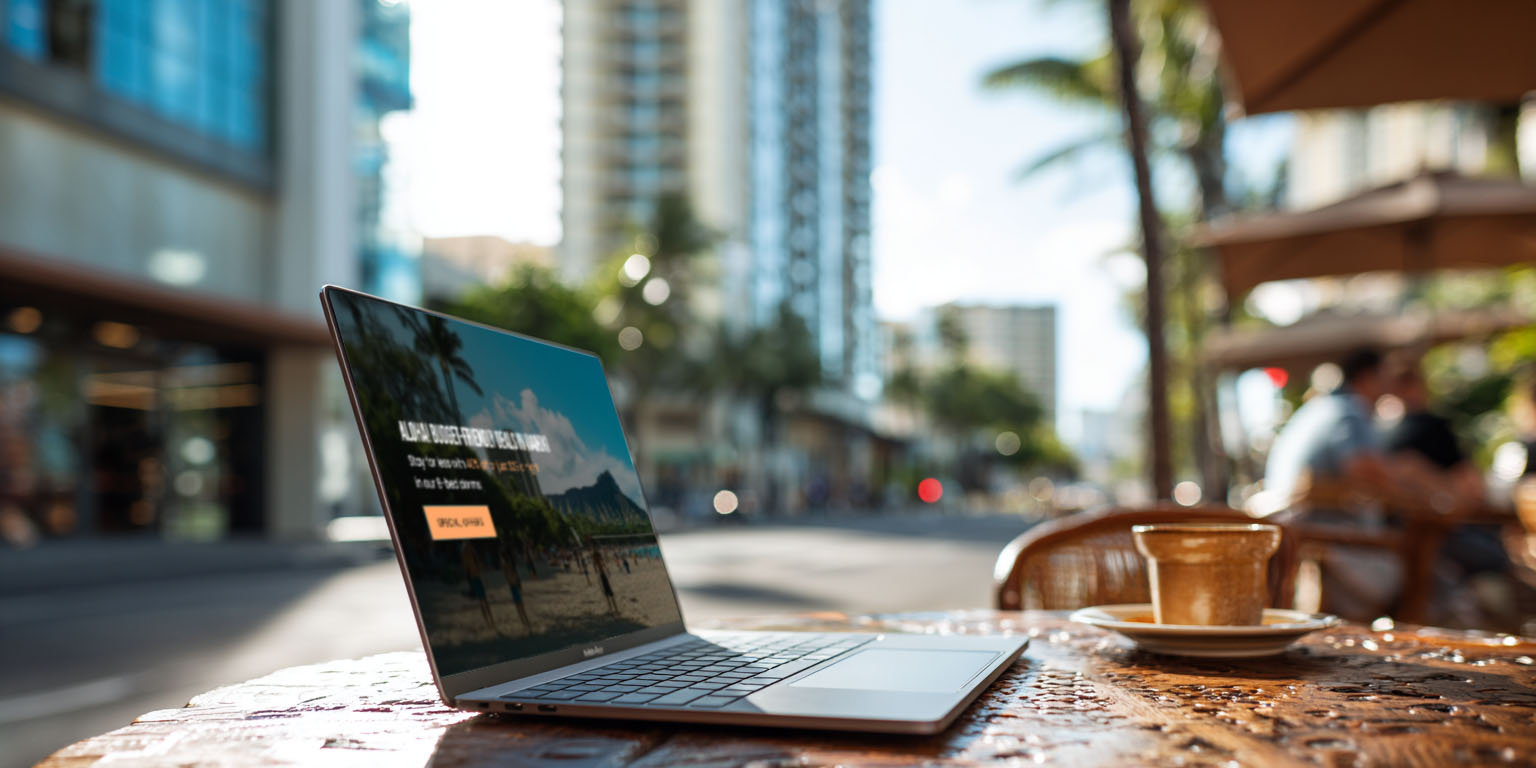
The second is optional and it is the interesting one. For $1 a day you can add unlimited high-speed access through Sun Global SuperWireless on the Waikiki.com network, which covers outdoor areas across Waikiki. That is not a replacement for the hostel Wi-Fi. It is an upgrade for when you want to leave the building and still be connected, which means answering email from a bench in Kapiolani Park or taking a call with the ocean in front of you. A dollar a day is roughly nothing, and it turns the entire neighborhood into your office. Details are in our post on the Waikiki hostel Wi-Fi deal.
Where You Can Actually Sit and Work
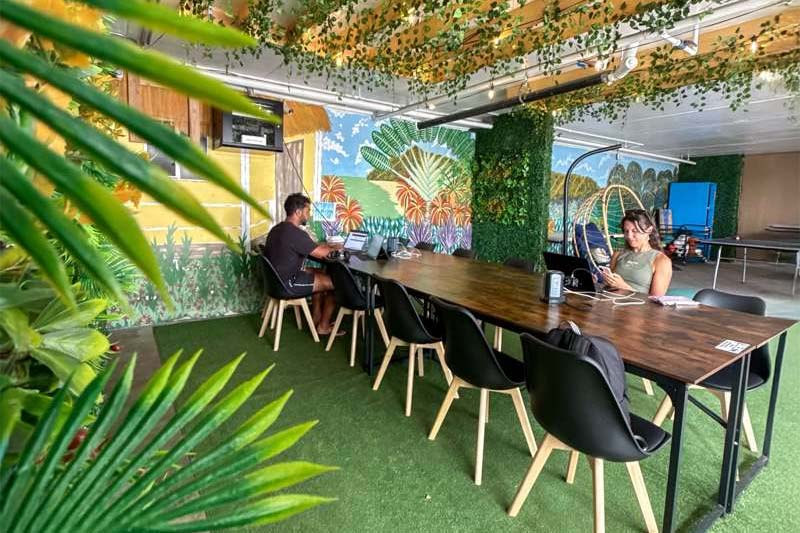
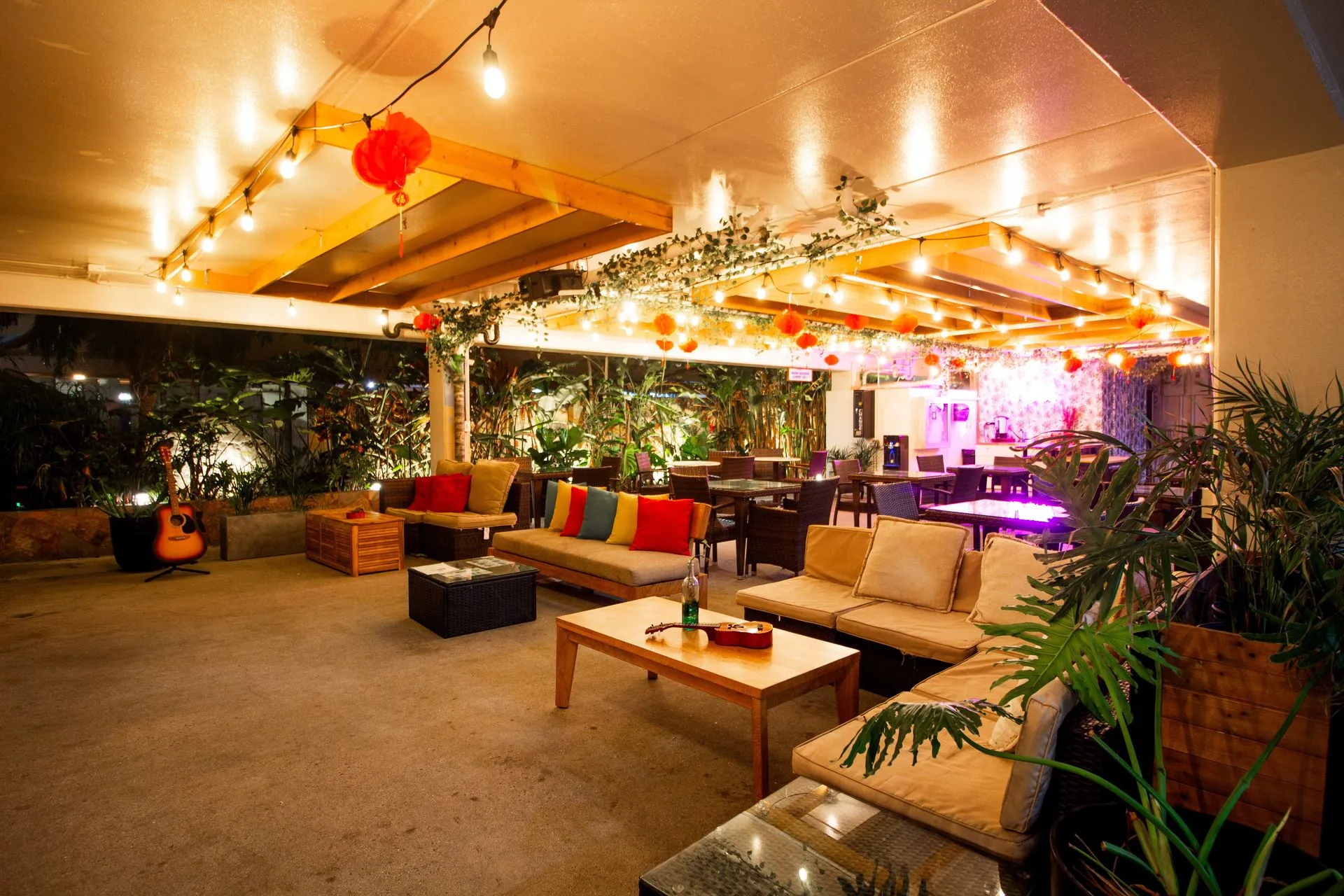
This is the question that separates a productive month from a miserable one. The property has co-working space with fast Wi-Fi and comfortable seating set up specifically for remote workers, which is more than most hostels bother with. Beyond that, there are several places to spread out depending on what kind of work you are doing.
- The co-working area, for when you need to actually concentrate
- The main indoor lounge, which is the social hub and gets busy in the evenings
- A second quieter lounge for when you want calm without going back to your room
- The open-air courtyard, good for calls and for working outside
- The community kitchen, which has coffee and tea included and long shared tables
The honest note is that a hostel is a social building. Mornings are quiet and productive, evenings are not, because there is an event most nights. If your job needs silence at 8:00 PM, plan on a private room or headphones.
Which Room to Book if You Are Working
This matters more than anything else on this page, and the difference between room types is bigger than you would guess. Here is what each actually gives you.
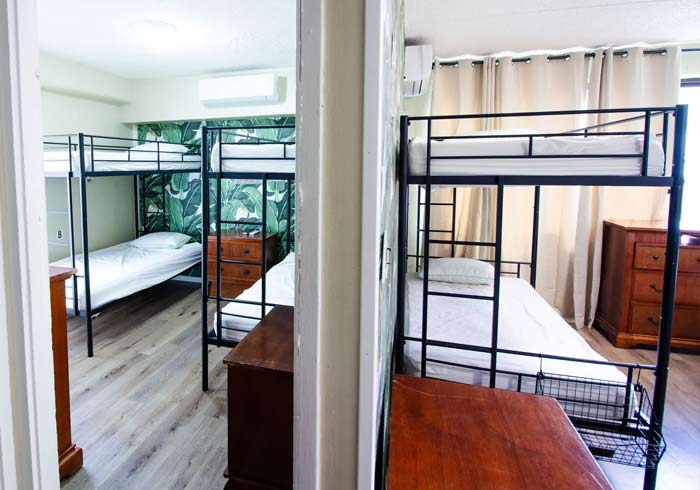
- Private Room, around $144 per night for up to four guests, is the only room type that lists an actual workspace. It also has a full kitchen and an en-suite bathroom. If you are working every day, this is the one.
- 6-Bed Dorms have a dining table, which is a genuinely usable surface for a laptop and the best of the shared options.
- 8-Bed Dorms have a vanity and seating area, and the co-ed 8-bed rooms list plug-in power towers, which matters more than people expect when six other travelers are all charging phones.
- 4-Bed Dorms, the 4-Bed Deluxe, and the Semi-Private Room do not list a dedicated workspace, so plan on using the co-working area rather than your room.
Split four ways, the private room works out to about $36 per person per night, which lands near what a dorm bed costs. If you are traveling with other remote workers, that is the obvious move. Our guide to the private rooms has the full rundown, and current pricing for every type is on the Rooms page.
The Time Zone Is the Real Question
Everything above is solvable. This part is not, so check it before you book anything.
Hawaii runs on Hawaii Standard Time and does not observe daylight saving, which means the gap between you and the mainland shifts by an hour twice a year while you stay put. Here is what that works out to.
- Hawaii is 2 hours behind the US West Coast in winter, and 3 hours behind in summer
- Hawaii is 5 hours behind the US East Coast in winter, and 6 hours behind in summer
If your team is on Pacific time, this is close to ideal. A 9:00 AM Pacific start is 7:00 AM here in winter and 6:00 AM in summer, which means you are finished by early afternoon with the entire rest of the day in front of you. That is the whole pitch, and it genuinely works.
If your team is on Eastern time, be realistic. A 9:00 AM Eastern start is 4:00 AM here in winter and 3:00 AM in summer. Some people happily do it, because you are done before lunch and the afternoon is completely yours. Most people find it brutal after a week. If your job needs you online through an Eastern afternoon, Hawaii is the wrong island.
The people this suits best are the ones with flexible hours or async teams, followed by anyone on Pacific time.
A Realistic Day
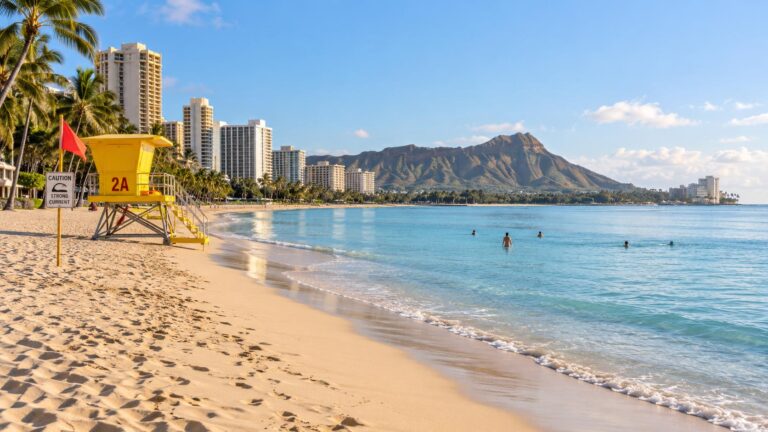
Here is what the good version actually looks like on Pacific hours. You are up early because the time zone makes you, and you work through the quietest part of the building while everyone else is asleep. Around 8:00 AM you break for the free pancake breakfast, which runs until 10:00 AM. You finish your day somewhere in the early afternoon, close the laptop, and walk one block to the water.
That is the part people book for, and it is real. The beach is about a two minute walk, so an afternoon swim is not an outing you have to plan, it is just something you do. Worth reading our ocean safety guide first, particularly the bit about swimming in front of a lifeguard tower.
The 28 Day Limit
This is the constraint nobody mentions and it will affect your plans. The maximum stay is 28 days within any six month period, and some of the cheapest Super Saver dorm beds are capped shorter, often around seven nights.
So this is a place for a month-long stint, not a permanent base. Plenty of remote workers treat that as a feature rather than a problem, since a month is long enough to stop feeling like a tourist and short enough to stay cheap. Just do not arrive planning to spend the winter.
What Else Makes a Long Stay Work
The small stuff decides whether a month is comfortable or exhausting, and most of it is already handled here.
- A community kitchen plus in-room kitchens in several room types, so you are not eating out twice a day for a month
- Coffee and tea included, along with linens and towels
- Onsite laundry, which you will need by week two
- A gym with a squat rack, bench, dumbbells, and yoga mats, so you do not need a gym membership
- Lockers with locks and 24 hour security, which matters when your laptop is your income
- A tour desk and a full calendar of free evening events for when you log off

Our kitchen and breakfast guide covers the cooking side, the gym post covers the equipment, and the laundry guide covers the rest.
When You Need to Get Out of the Building
Working from the same room for a month will get to anyone, which is where the $1 a day outdoor Wi-Fi earns its money. Kapiolani Park is a short walk and makes a genuinely good outdoor office. Waikiki also has a solid cafe scene, and we have a separate post on the top coffee spots in Waikiki for remote work if you want somewhere with air conditioning and an espresso machine.
Weekends are the other half of the reason to be here. Our three day Oahu itinerary works just as well spread across the weekends of a month-long stay, and the front desk books island tours with guest pricing.
Quick Answers About Working Remotely From Waikiki
Is the Wi-Fi free at Waikiki Beachside Hostel? Yes, free Wi-Fi is included with every room and there is no Wi-Fi fee. A separate optional upgrade costs $1 a day and adds high-speed coverage across Waikiki’s outdoor areas.
Is there a co-working space? Yes, the hostel has co-working space with fast Wi-Fi and comfortable seating, plus two indoor lounges, a courtyard, and the community kitchen.
Which room has a desk? The Private Room is the only type that lists a workspace. The 6-bed dorms have a dining table, and the 8-bed dorms have a vanity and seating area with power towers in the co-ed rooms.
What time zone is Hawaii in for remote work? Hawaii Standard Time, with no daylight saving. That is 2 hours behind the US West Coast in winter and 3 in summer, and 5 hours behind the East Coast in winter and 6 in summer.
How long can a digital nomad stay? Up to 28 days within any six month period. Some Super Saver dorm beds have a shorter cap of around seven nights.
Log Off at Two, Swim by Ten Past
Working remotely from Waikiki is not a fantasy, it is a scheduling problem with a very good payoff. Get the time zone right, book a room with a surface to work on, add the dollar a day outdoor Wi-Fi so the whole neighborhood becomes your office, and the rest takes care of itself. You get free Wi-Fi and co-working space indoors, a kitchen and laundry so a month does not break your budget, a gym so you do not need a membership, and the Pacific Ocean one block from the front door for the moment you close the laptop. Book your dates at Waikiki Beachside Hostel and find out how much better the afternoon is when your work day ends at two.